How I Vibe Coded This Blog in a Couple of Hours
Why Stranger Things?
When the premiere of the last season of Stranger Things came out, I rewatched the whole series. Although I didn't really like the last season, I think they kind of ruined the show. Hopefully, the final episode will be good.
Aside from that, one thing that I always liked about this series is its lighting and atmosphere. It's really unique and captivating.
Recently, I started thinking about creating a personal blog, mainly as a place to write down my thoughts, experiences, learnings, and the projects I’m working on.
So I thought, why not make it a Stranger Things themed blog? And why not try to 100% vibe code it?
As a software engineer working on large projects, I use AI every day. Most of the time, though, I can’t get a task completely done using AI alone. I almost always have to step in at some point to fix something or guide it in a specific direction.
I’d say AI coding is amazing, but it’s extremely important to review what it’s doing and guide it properly. Without enough direction, it can easily make catastrophic mistakes.
So needless to say, I am not a big fan of the 100% vibe coding club. But for a super simple project like this? Why not!
AI tools I used
-
v0.dev
To do most of the designing. It's incredibly good! -
Cursor
To fuse things together and make some changes here and there. -
ChatGPT
To generate the clouds background on the homepage.
Initial Prompt
Once I had the idea, the first thing I did was write this prompt for v0:
I want to design a personal blog for me. I am a software engineer and I want to write my blogs. It should be very simple:

1- Home page showing the articles (without pictures - just title and some words of the top of the article)
2- About page with my picture and some bio about me, I want my social media links emded on a sentence "You can follow me on x (twitter) or Linkedin" with the words x (twitter) and linkedin being links.
3- On clicking an article, we should open the article page with the title and all the article text rendered from MD format.

Theme: I want the design theme for my blog to be completely inspired by the show Stranger Things.
I want you to make the snow animation like the snow falling from the Upside down.
Also I want red thunder animation like the thunder from the upside down.
Also add some "upside down vines" there and there. Be creative.

Follow the structure of the blog, Be creative with the theme (Stranger Things theme).
This gave me this result:
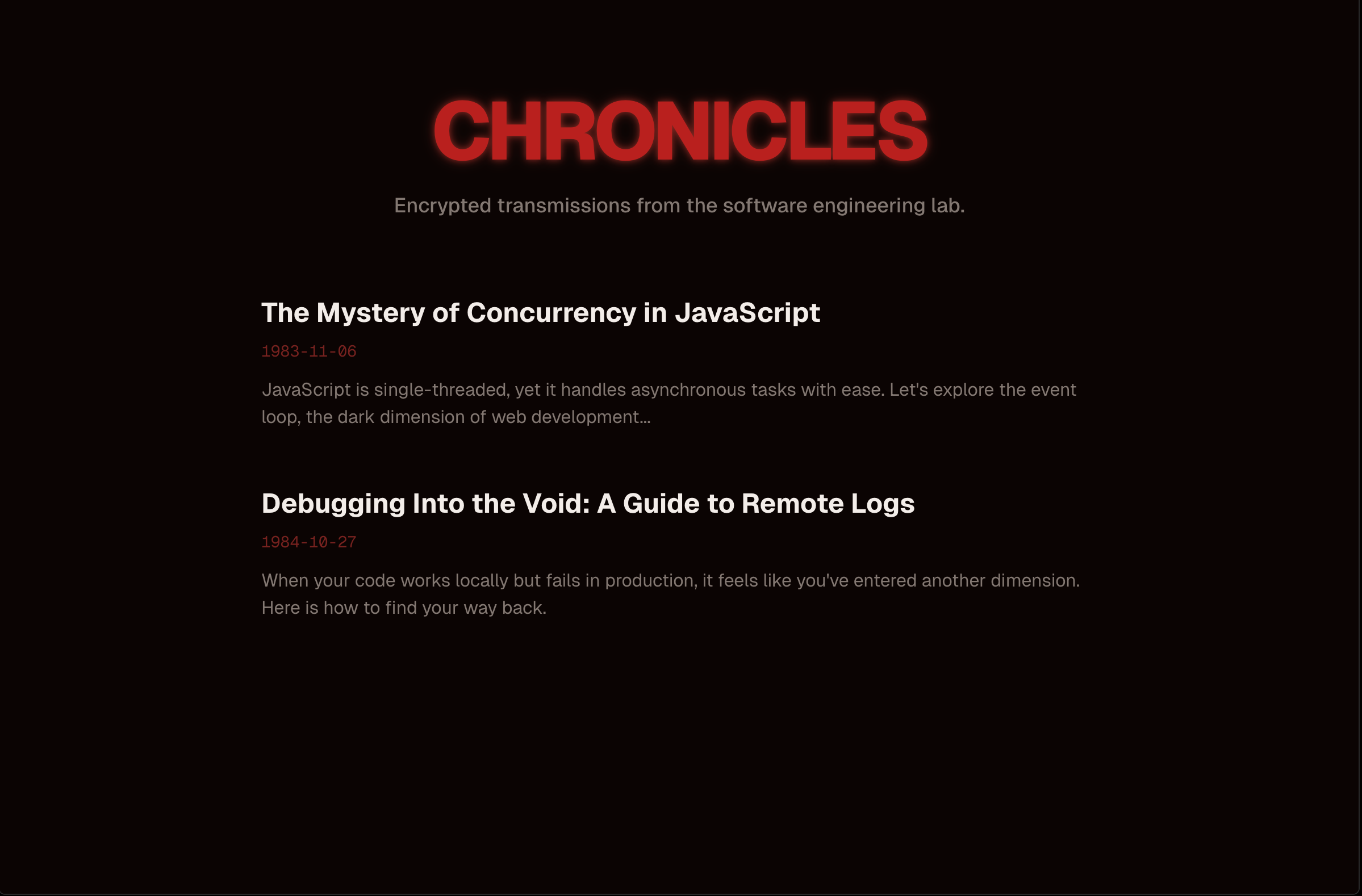
Honestly, it was better than I expected given the prompt I wrote. It was a really solid starting point.
I tried some things, liked some things, and disliked others. By the 9th version (prompt), I had something I was genuinely happy with.
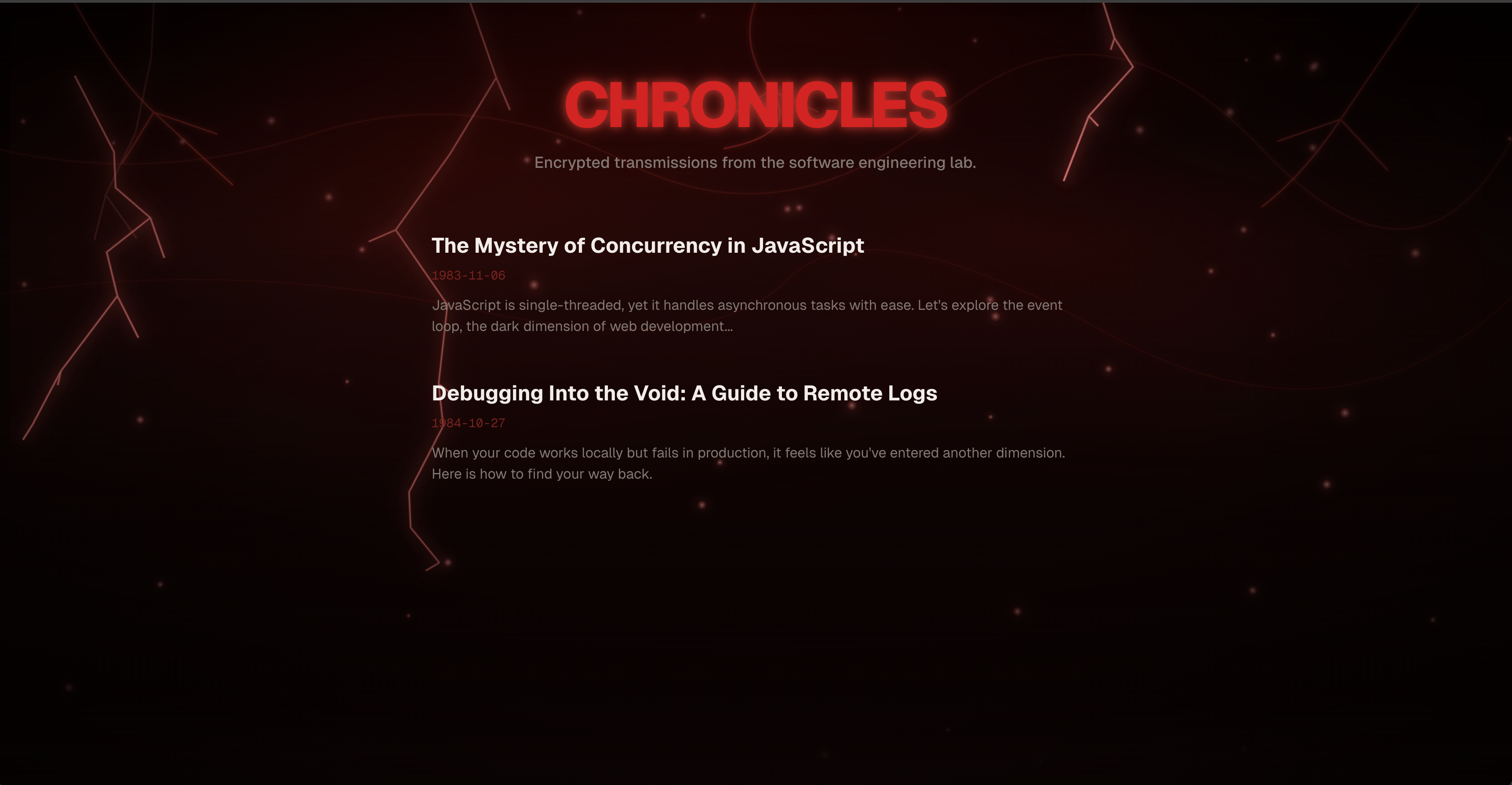
I added the thunder and snow animations, but it still felt incomplete. At this point, I decided to take things to the next level by moving the project to Cursor.
The first thing that came to mind was adding some kind of background to the homepage, something that would emphasize the Stranger Things vibe even more.
I googled a bunch of Stranger Things posters and images. The clouds in the Upside Down immediately caught my attention, and I thought they would work really well as a homepage background.
So, I used ChatGPT to generate the clouds background.
Generating the Clouds Background
This is the prompt I gave it:
Generate me a stranger things like clouds image, only the clouds because I want to use it in my website as a background. Use the image uploaded as a reference
I gave it two visual references of posters I liked. I iterated exactly twice by changing the prompt, and I finally got a result I was very happy with.
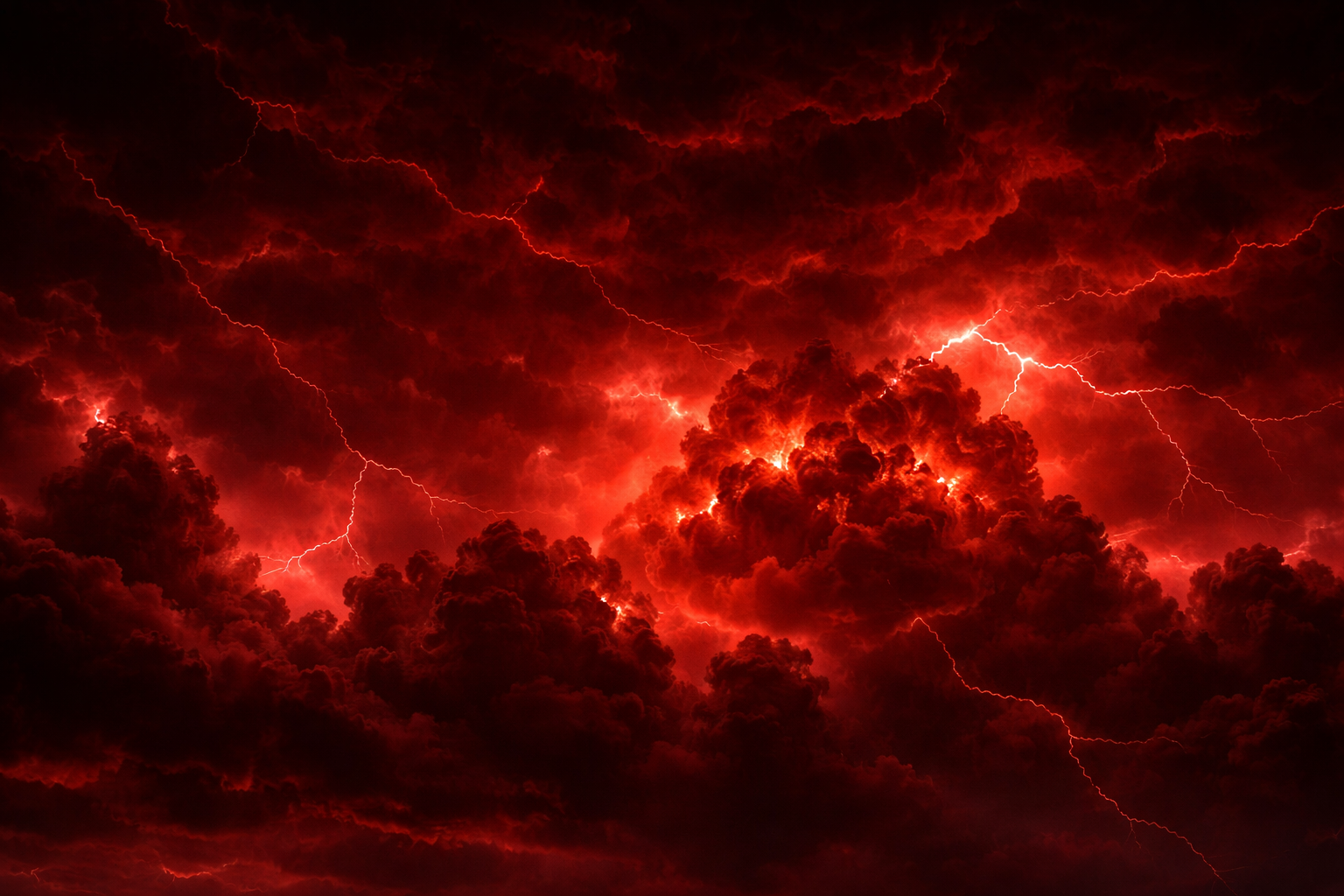
I know, pretty good for ChatGPT! I wonder what I could have achieved if I used Google's Nano Banana.
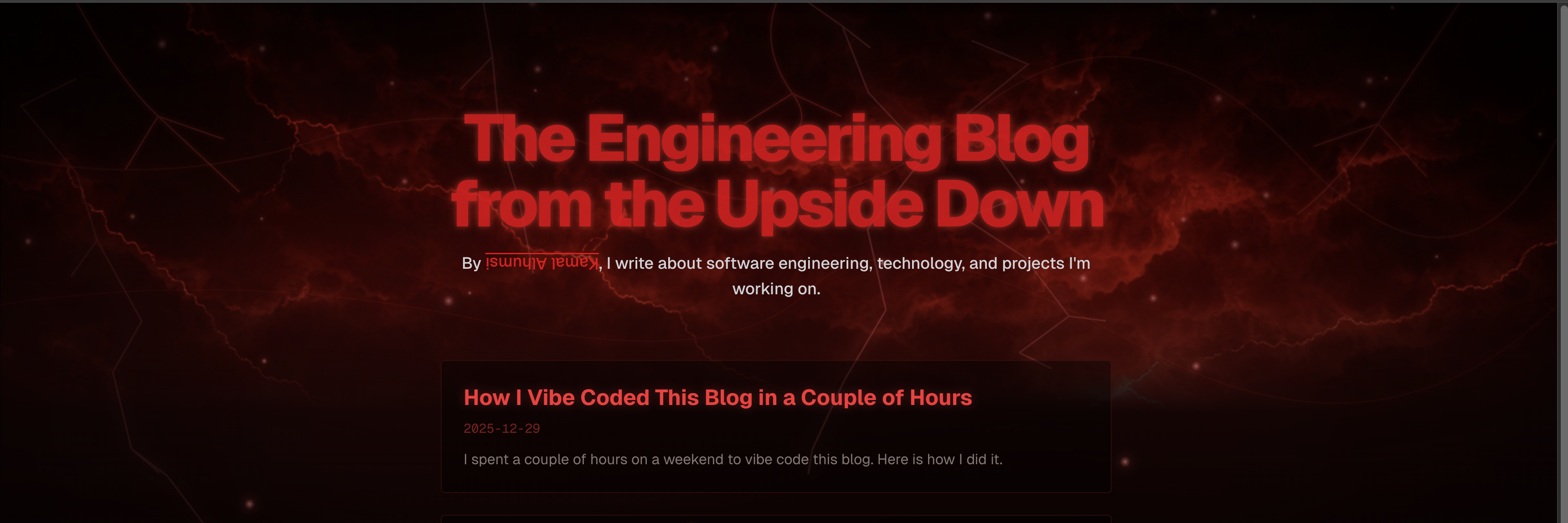
Homepage Cards Animation
The next step, and the one that ended up taking the most time, was working on the homepage blog card animations.
I had many ideas in mind, but sadly they were very hard to implement, even with the help of AI. One idea I had particularly in mind was to have the cards wrapped in vines on hover, similar to how vines wrap trees and everything in the Upside Down.
I searched for quite some time trying to find a way to achieve this. I experimented with many approaches, but nothing really worked. I even tried using AI to generate the vines, but integrating them properly turned out to be very difficult.
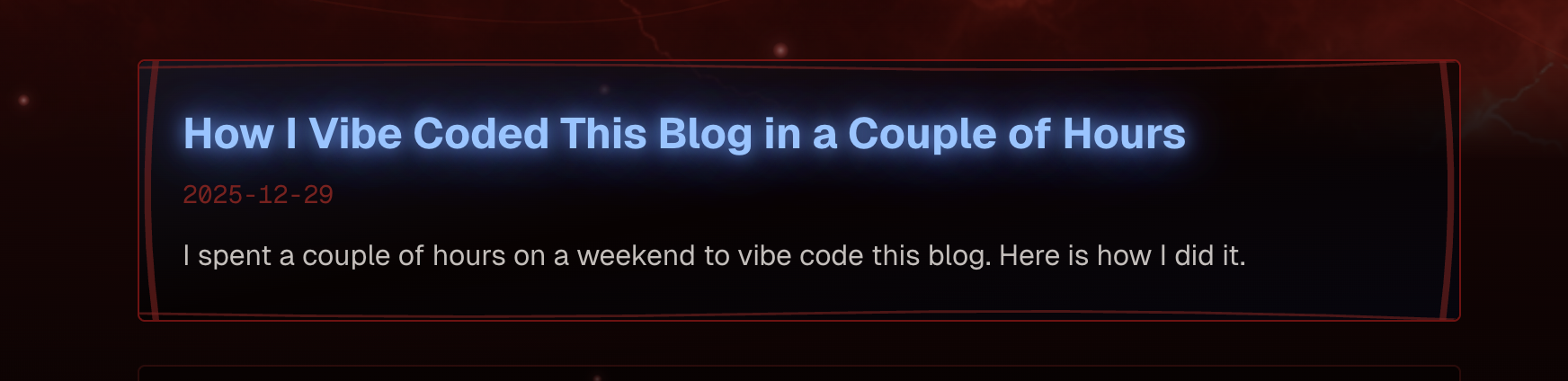
Eventually, I decided to give up on this idea and go with a simpler approach. I added a subtle glow effect to the cards on hover.
This is the final result:
MDX, Metadata, and Final Touches
One important change I made was instructing Cursor to use MDX files for the blog posts. This was a game changer. I was able to write blog posts in a much more natural way and use markdown syntax freely.
I made a few other prompts to set up OG images and metadata for the blog posts, and I also set up Google Analytics.
I think that's all for now! I hope you enjoyed reading this blog post.
If you have any questions or suggestions, feel free to contact me on Twitter or Linkedin.
Ah, and by the way, you can find the full project on my GitHub.
Happy New Year!